CLI Reference
Command reference for the af command-line interface.
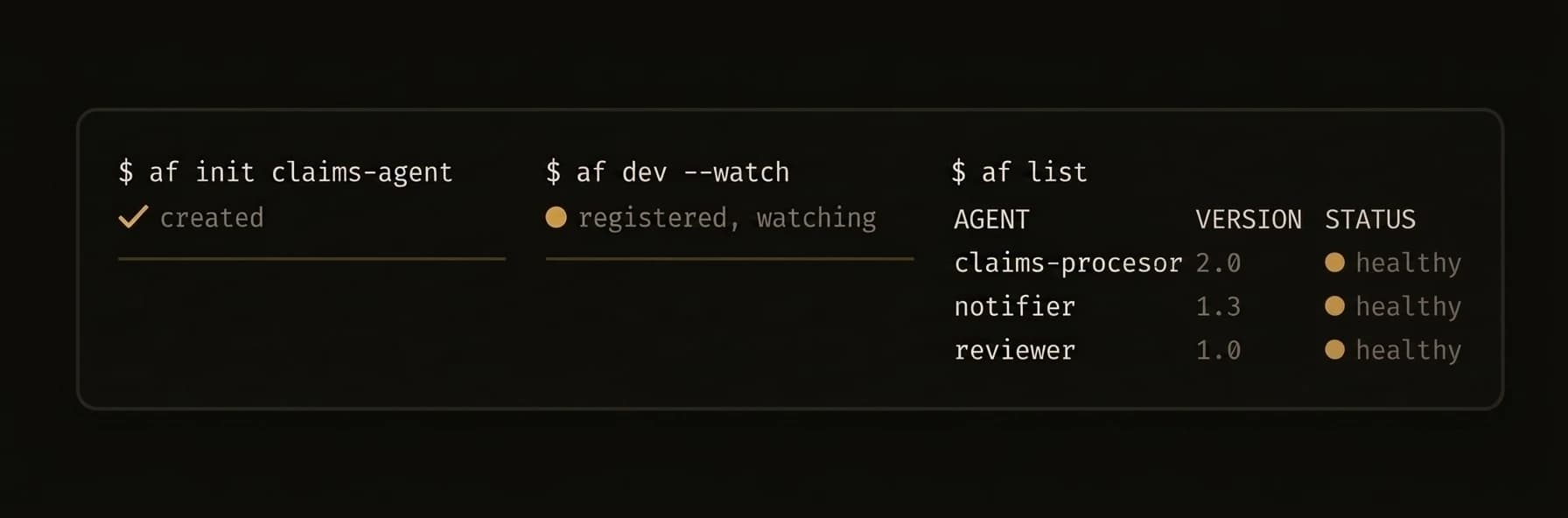
The
afbinary is the single entry point for creating, running, and managing AgentField agents and the control plane server.
Install from the releases page or build from source:
curl -sSf https://agentfield.ai/get | shaf agent — Machine-Readable CLI
The af agent subcommand is the primary interface for AI coding tools — Claude Code, Cursor, Codex, and any LLM-powered automation. All af agent subcommands output structured JSON to stdout with no ANSI colors, no interactive prompts, and no spinners.
AI agents operating an AgentField control plane should use af agent subcommands. These provide a machine-readable interface to the control plane.
Subcommands
| Subcommand | Description |
|---|---|
af agent status | Platform status as JSON |
af agent discover | List all capabilities as JSON |
af agent query | Query an agent |
af agent run | Fetch run overview by ID |
af agent agent-summary | Get a summary of a specific agent |
af agent kb | Knowledge base operations |
af agent batch | Batch operations |
Flags for af agent
| Flag | Description |
|---|---|
--output | Output format: json or compact (default: json) |
--timeout | Request timeout in seconds |
--server | Control plane URL |
Example — AI Agent Workflow
This is how Claude Code or Cursor would interact with AgentField:
# 1. Discover what's available
af agent discover
{
"ok": true,
"data": {
"endpoints": [
{
"method": "GET",
"path": "/api/v1/agentic/status",
"summary": "Get system status overview",
"group": "agentic"
}
],
"total": 1,
"groups": ["agentic", "discovery", "memory"],
"filters": { "q": "", "group": "", "method": "" },
"see_also": {
"live_agents": "GET /api/v1/discovery/capabilities — lists running agents, their reasoners, skills, and invocation targets",
"kb": "GET /api/v1/agentic/kb/topics — knowledge base with SDK patterns, architecture guides, and examples"
}
},
"meta": { "server": "http://localhost:8080", "latency": "12ms", "status_code": 200 }
}# 2. Fetch a run overview by ID
af agent run --id run_20260318_001{
"ok": true,
"data": { "..." : "run overview returned by GET /api/v1/agentic/run/<run_id>" },
"meta": { "server": "http://localhost:8080", "latency": "18ms", "status_code": 200 }
}# 3. Check platform health
af agent status{
"ok": true,
"data": {
"health": { "status": "healthy", "storage": "healthy" },
"agents": { "total": 3, "active": 2 },
"executions_24h": { "total": 47, "statuses": { "completed": 42, "failed": 5 }, "since": "2026-03-23T10:00:00Z" },
"server": { "uptime_seconds": 86400, "go_version": "go1.23.0", "goroutines": 12 }
},
"meta": { "server": "http://localhost:8080", "latency": "5ms", "status_code": 200 }
}Error Handling
All errors return a consistent JSON structure:
{
  "ok": false,
  "error": {
    "code": "not_found",
    "message": "Agent 'nonexistent' is not registered with the control plane"
  },
  "meta": { "server": "http://localhost:8080", "latency": "3ms", "status_code": 404 }
}
Global Flags
These flags apply to every command:
| Flag | Short | Description |
|---|---|---|
--verbose | -v | Enable verbose output |
--config | Path to agentfield.yaml config file | |
--api-key | -k | API key for authenticating with the control plane |
Essential Commands
| Command | Description |
|---|---|
af init [name] | Scaffold a new agent project |
af dev [path] | Run agent in dev mode with hot reload |
af server | Start the control plane |
af run <agent> | Start an installed agent in the background |
af add | Add MCP servers or agent packages |
af list | List installed agent packages |
af agent status | Show platform and node status (JSON) |
af agent discover | List available capabilities (JSON) |
af session start <node>.<session> | Start a realtime or multimodal session through the control plane |
af aforge ensure | (Re)install the AForge harness binary into ~/.agentfield/bin |
af harness doctor --provider <name> | Check a harness provider's binary; --json also reports credential env-var presence |